Please select 'My announcements' when you login to the Customer portal.
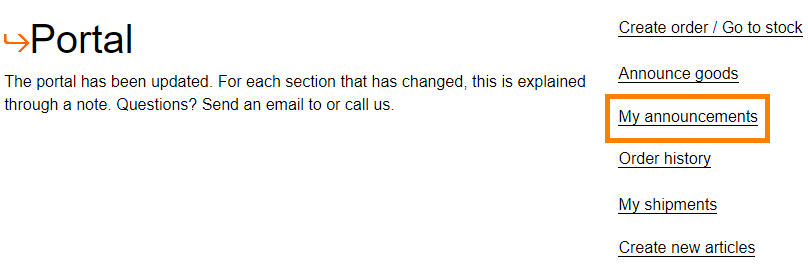
You will go to a new screen after you have clicked on this button. In the new screen you will see an overview of all your announcements. In the row 'Status' you can find the status of your inbound. The different statuses and their meaning are:
| Status | Meaning |
| NEW | Announcement has been created but it's not received yet. |
| UNLOADING | AWC is busy with unloading the truck. |
| UNLOADED | The inbound has been unloaded and the announcement will be checked. |
| FULLY COMPLETED | The inbound is checked and is processed. The stock will be visuable in the Portal. |
Your opinion is important to us! We consistently aim to offer you the most valuable information. Would you be so kind to answer the question below?